
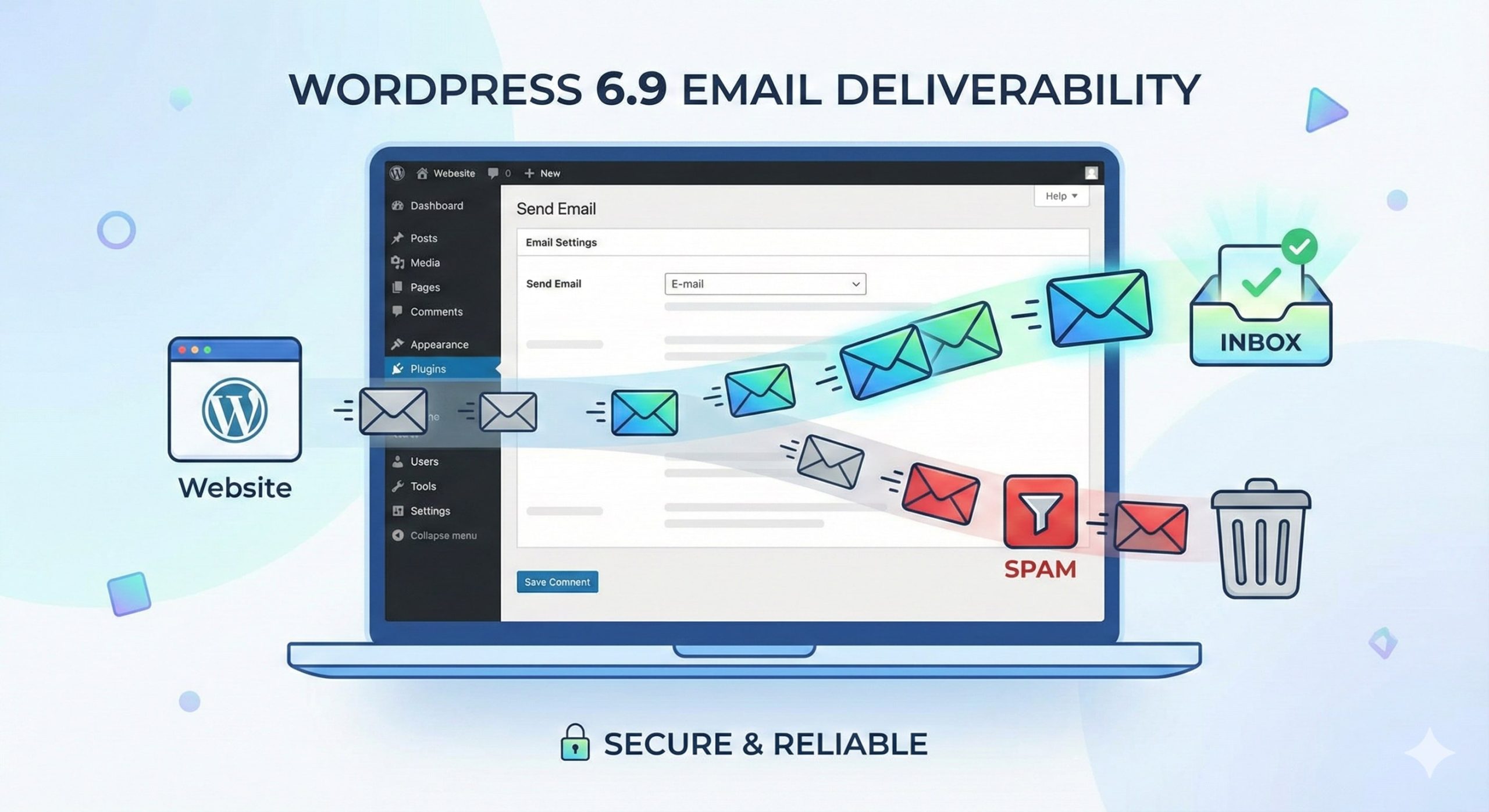
If you’ve recently updated your WordPress website to version 6.9, you might have noticed a frustrating problem: your site’s emails are not reaching inboxes. Whether it’s contact form submissions, password resets, or e-commerce notifications, these mission-critical emails suddenly go missing or land in spam folders. Don’t worry—you are not alone, and the solution is simpler than you think.
In this guide, we’ll explore why WordPress 6.9 emails are failing and walk you through a reliable solution using SMTP (Simple Mail Transfer Protocol) to ensure your emails are delivered successfully every time.
The root cause lies in how WordPress sends emails. By default, WordPress uses the PHP mail() function, which relies on your hosting server to send emails. While this worked fine in the past, modern email providers like Gmail, Outlook, and Yahoo have become much stricter about email authentication.
All of this results in the frustrating scenario where emails either never arrive or end up in the spam folder.
The easiest and most effective way to fix WordPress email issues is by using SMTP (Simple Mail Transfer Protocol) instead of the default PHP mail() function. SMTP ensures that your emails are properly authenticated, increasing the chances of them reaching the recipient’s inbox.
SMTP uses proper authentication credentials (username and password) to send emails through a legitimate email server. This gives email providers confidence that your emails are genuine and reduces the likelihood of them being flagged as spam.
Here’s how you can quickly fix your WordPress 6.9 email issues using an SMTP plugin.
Several WordPress plugins make SMTP setup easy:
For most users, WP Mail SMTP is recommended due to its simplicity and built-in email test feature.
Once the plugin is installed:
Tip: If you’re using Gmail, you may need to create an App Password to connect securely.
Most SMTP plugins provide a Test Email feature. Send a test email to your personal inbox to confirm that everything is working correctly. If it lands in your inbox (not spam), your setup is successful!
Even with SMTP, there are a few extra steps you can take to maximize deliverability:
| Issue | Likely Cause | Fix |
| Emails go to spam | Missing SPF/DKIM/DMARC | Configure DNS records & use SMTP |
| Emails not sending at all | PHP mail() blocked | Switch to SMTP plugin |
| Gmail rejects email | Gmail strict authentication | Use Gmail SMTP with App Password |
| WooCommerce order emails delayed | Hosting email limits | Use third-party SMTP service |
WordPress 6.9 brought many improvements, but email deliverability issues can be frustrating for website owners. The good news is that switching from the default PHP mail() function to a properly configured SMTP setup solves most of these problems.
By following the steps outlined above, you can ensure that your contact forms, password resets, and e-commerce notifications always reach your users—keeping your website professional and reliable.
Take action today: install an SMTP plugin, configure your credentials, and test your emails. Your inbox—and your users—will thank you!

Comments are closed